
How to Build an AI Agent Without Coding (Step-by-Step Guide)
Let’s Start
Businesses' approaches to automation, decision-making, and daily tasks are being transformed by agentic AI. Fortunately, you don't always require a technical team or coding expertise to get started.
Imagine having a computer assistant that can scan incoming data, make basic judgments, send emails, update spreadsheets, and carry out subsequent tasks automatically. AI agents can really help with it.
According to McKinsey's 2025 State of AI survey, 39% of participants had begun experimenting with AI agents, and 23% of respondents claimed their companies were currently scaling an agentic AI system somewhere in the business.
How, therefore, can a non-technical professional construct one?
Let's break it down in detail.
An AI Agent: What is it?
An AI agent is more than just a question-answering chatbot. It can comprehend an objective, process data, determine what has to be done, use related tools, and finish several workflow processes.
A conventional chatbot might respond, for instance:
"How is my order progressing?”
The order system may be checked by an AI agent, who could then determine the current status, prepare a response, and send it to the customer.
What makes Agentic AI beneficial for contemporary enterprises is its capacity to go beyond only producing an answer to taking action.
Sales, marketing, customer service, operations, HR, finance, and other company tasks can all be supported by AI agents.
To get more knowledge about Agentic AI, explore our blog post, “What is Agentic AI? A Complete Guide for Business Owners!”
Step 1: Select a Single Business Issue
Determine the issue you want an AI agent to address before creating one.
Avoid beginning with:
"Where can we use AI?"
To begin with:
"Which repetitive process is taking too much time?"
Look for assignments that:
- Adhere to a standard procedure
- Need a lot of manual labor
- Involve gathering and arranging data
- Need to make straightforward choices
- Have inputs and outputs that are well-defined
A sales staff might, for instance, spend hours reviewing new leads to determine which ones need to be followed up on.
The lead data may be gathered, examined, prioritized, and the next course of action might be planned by an agent.
At this point, AI Automation and AI Workflow Automation stop being theoretical and start being useful.
Step 2: Establish the Agent's Objective
Your agent must have a specific goal.
Automating an ambiguous directive like "Help the sales team" is challenging.
Instead, establish a clear objective:
“Evaluate incoming leads, find potential prospects, prepare a tailored follow-up message, and submit it for approval.”
This provides a specified workflow for the system.
Additionally, you ought to specify:
- What data ought to be sent to it?
- What choices is it able to make?
- What can it do?
- When should it seek assistance from a human?
- In the event that information is lacking, what should happen?
Successful AI agent development requires clear instructions, particularly when companies desire dependable outcomes.
Step 3: Choose a No-Code AI Platform
To construct an agent, you don't necessarily need to know how to program.
Through visual workflows, users may link AI models with applications, databases, documents, email systems, CRMs, and other tools using no-code and low-code platforms.
When choosing a platform, take into account:
- AI model support
- Available integrations
- Data privacy
- Security controls
- Workflow flexibility
- Human approval options
- Monitoring and reporting
For businesses, it is important to choose a platform that works well with their existing technology and systems. This becomes even more important in Enterprise AI, where factors such as data security, access control, governance, scalability, and overall functionality need to work together.
Step 4: Give the Agent Access to the Right Information
An AI agent can only deliver useful results when it has access to the right information.
Start by connecting the data sources and tools it needs to complete its tasks, such as:
- CRM data
- Product information
- Internal documents
- FAQs
- Spreadsheets
- Knowledge bases
- Business applications
For instance, a customer support agent may need access to product information, FAQs, and company guidelines to provide accurate responses. Natural language processing helps the agent understand and interpret user queries, while Data Analysis can help it find patterns, trends, and relevant insights.
At the same time, giving an AI agent access to every available data source is not always a good idea. Set clear permissions and provide access only to the information the agent needs to perform its specific task.
Step 5: Build the Workflow
Once the agent has the right information, the next step is to define how it should work. Create a clear sequence of actions that tells the agent what to do at each stage.
A simple AI-powered workflow could look like this:
Trigger → Collect Information → Analyze → Decide → Take Action → Human Approval → Complete
For example:
New lead received → AI reviews lead → Predictive lead scoring → High-potential lead identified → Follow-up message created → Salesperson approves → Email sent
This is a straightforward example of AI Process Automation.
As the requirements become more complex, businesses can connect multiple agents or workflows to handle different parts of a larger process. These Multi-Agent Systems can assign specific tasks to different agents, such as research, data analysis, content creation, and verification.
Step 6: Add Rules and Human Oversight
Automation does not mean an AI agent should have complete control over every task. It is important to define clear boundaries and specify which actions the agent can perform independently and which ones require human approval.
For example:
- It can prepare an email, but the user must approve it before it is sent.
- It can evaluate and categorize leads, but the final decision about a customer should remain with the sales team.
- It can summarize a document, but it should not make changes to the original file.
- It can suggest the next course of action, while the final decision is made by a manager.
This human-in-the-loop approach becomes especially important when AI agents work with sensitive data or are involved in decisions that can have a significant impact on the business.
The goal of automation is to support people, not replace them. Instead, it should reduce the time employees spend on repetitive tasks and give them more time to focus on work that needs human judgment, problem-solving, and creativity.
Step 7: Test the Agent Before Going Live
Before putting an AI agent into real-world use, test it with different types of situations rather than relying on just one successful example.
Try providing:
- Correct and complete information
- Missing or incomplete information
- Conflicting information
- Unexpected questions
- Incorrect inputs
- Unusual customer requests
Observe how the agent responds and whether it follows the defined workflow correctly.
You should also track AI Decision Making, response quality, processing time, errors, and the number of tasks it completes successfully.
Thorough testing can help identify issues early and reduce the chances of problems affecting customers or employees.
Step 8: Measure Business Results
Creating and deploying an AI agent is just the starting point. The more important question is whether the agent is actually delivering measurable value to the business.
Keep record of relevant performance metrics, such as:
- Time saved
- Number of tasks automated
- Response time
- Lead conversion
- Customer satisfaction
- Error reduction
- Cost savings
- ROI
For marketing teams, useful metrics may include CTR (click-through rate), audience engagement, and conversion rate optimization. Sales teams, on the other hand, may focus more on sales forecasting, sales enablement, predictive lead scoring, and the time taken to follow up with prospects.
The metrics you choose should always depend on what you want the AI workflow to achieve and which business outcome you are trying to improve.
Where Can Businesses Use AI Agents?
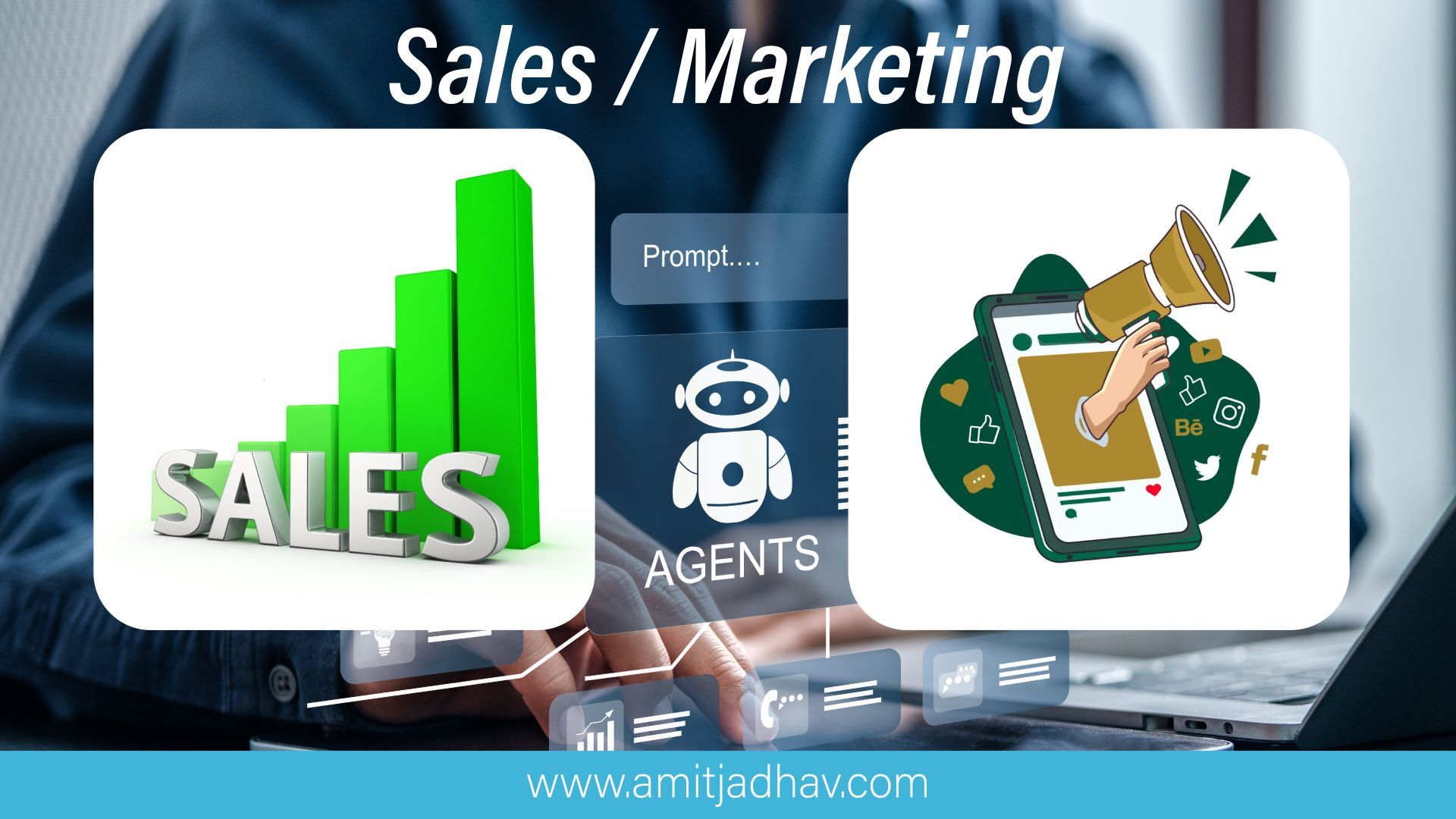
AI Agents can be applied to a wide range of business activities, particularly in areas such as sales and marketing.
Sales
AI agents can support sales teams with tasks such as:
- Lead qualification
- Sales forecasting
- Predictive lead scoring
- Sales enablement
- Follow-up preparation
- Customer engagement
- Sales optimization
Marketing
Marketing teams can use agents for:
- Marketing automation
- Content creation
- Campaign analysis
- Hyper-personalization
- Customer segmentation
- Chatbots
- Virtual assistance
For instance, an AI agent can analyze customer interactions, understand their interests, and assist the marketing team in creating more relevant and personalized messages. Technologies such as Generative AI, Multimodal AI, and Predictive Analytics can further improve these workflows and help businesses handle more complex tasks.
Why No-Code AI Agents Matter for Businesses
One of the main benefits of no-code Agentic AI is that it makes AI more accessible to non-technical users.
Business teams already understand their day-to-day processes. They know which tasks are repetitive, where bottlenecks occur, and which areas create challenges for customers or employees. With no-code tools, they can take an active role in AI Transformation without depending on developers for every small automation idea.
This approach can help businesses move toward Enterprise Automation, Business Process Automation, and broader Digital Transformation with AI.
However, choosing a no-code tool does not mean that planning can be skipped. A successful AI workflow still requires a clear goal, well-defined processes, reliable data, proper security, and regular monitoring.
Start Small and Scale
You do not have to automate an entire department from the beginning.
A better approach is to start with one specific process and build from there.
Create the workflow, test how it performs, measure the results, and make improvements where needed.
Once the agent starts delivering consistent results, you can connect it with other tools, automate additional tasks, or develop more advanced AI Agent Solutions.
The future of Agentic AI is not about removing people from every process. Instead, it is about creating Autonomous AI Agents that can manage well-defined tasks while people continue to oversee important decisions.
The best way to get started is simple: identify one repetitive business task, create a focused solution for it, and learn from the results.
Over time, that first successful workflow can become a starting point for a broader AI-driven transformation across the organization.
- Amit Jadhav
www.amitjadhav.com